Symptoms
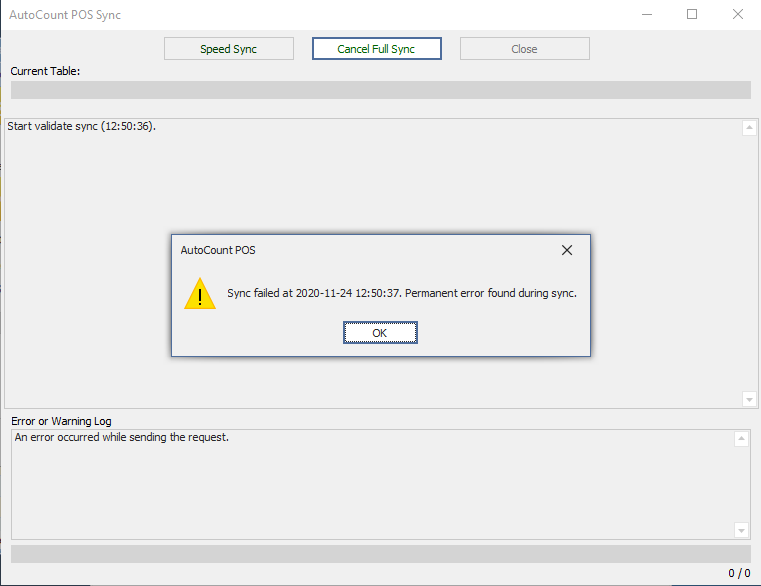
Either do Speed Sync or Full Sync will showing “Sync failed ….” Message, and the Error Log show “An error occurred while sending the request”.
Mostly Reason
- Network issue, unable connect to backend.
- Backend’s server sync services stopped.
Resolution
- Make sure your POS PC & Backend PC both got internet. (If single PC, then skip this step)
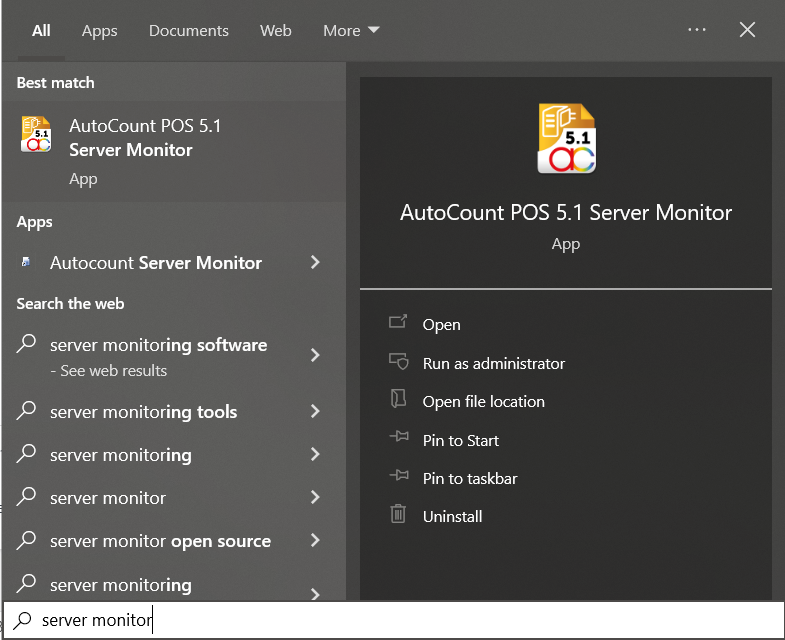
- Go to Backend PC, search “Server Monitor” and open it.

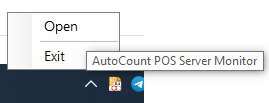
- If nothing show out, checked your bottom right Icon part, right click “Server Monitor” Icon and open it.
- If nothing show out, checked your bottom right Icon part, right click “Server Monitor” Icon and open it.
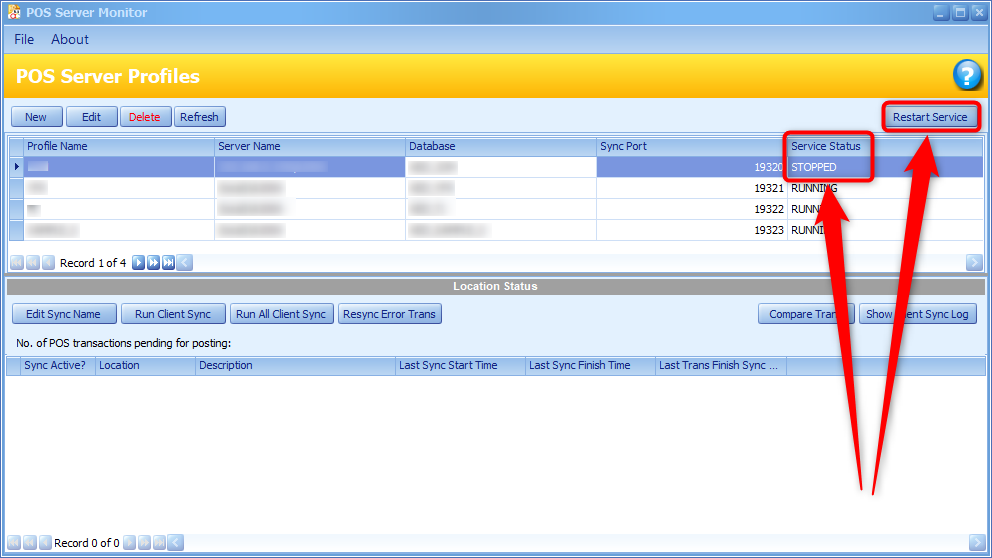
- Checked Services Status column, If “STOPPED”, then click Restart Services Button
- After Services Status become “RUNNING” , POS should be synchronizable. Try speed sync again if still cant function, can inform us for further checking.